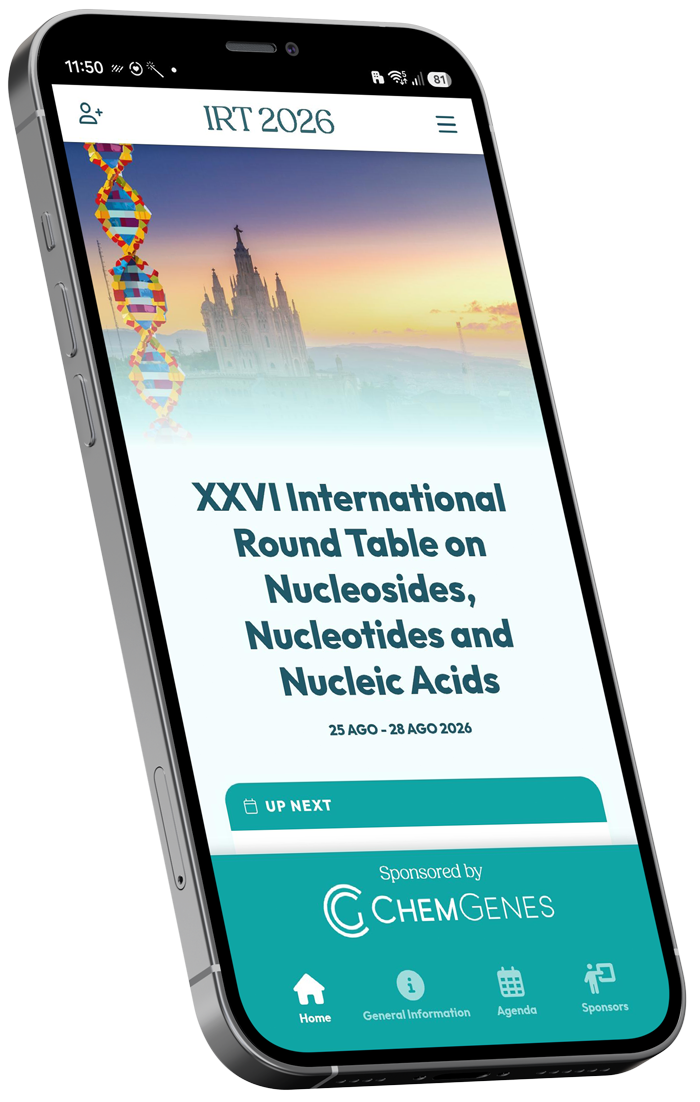
All the information about the IRT 2026 at your fingertips
The Congress now has an official app available for you to install on your phone or tablet.
The app is full of useful information, including the full congress program, a speaker search tool, attendee chat,and many more features!
How to download the app…
It is easy to find the app in Google Play or Apple AppStore. Here are some simple steps to follow.
Step 1
Install the app
You can download the App by clicking on one of the links below.
Or search «The Event App by EventsAir» or «EventsAir» in Google Play or App Store.
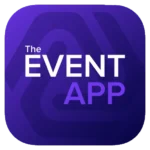
This is the icon you are looking for
Step 2
Enter the conference code
The first time you open the App, please enter the Event Code.
Step 3
Log-in
Enter the email address you used for your registration and the APP PIN number previously provided by the technical secretariat
Important
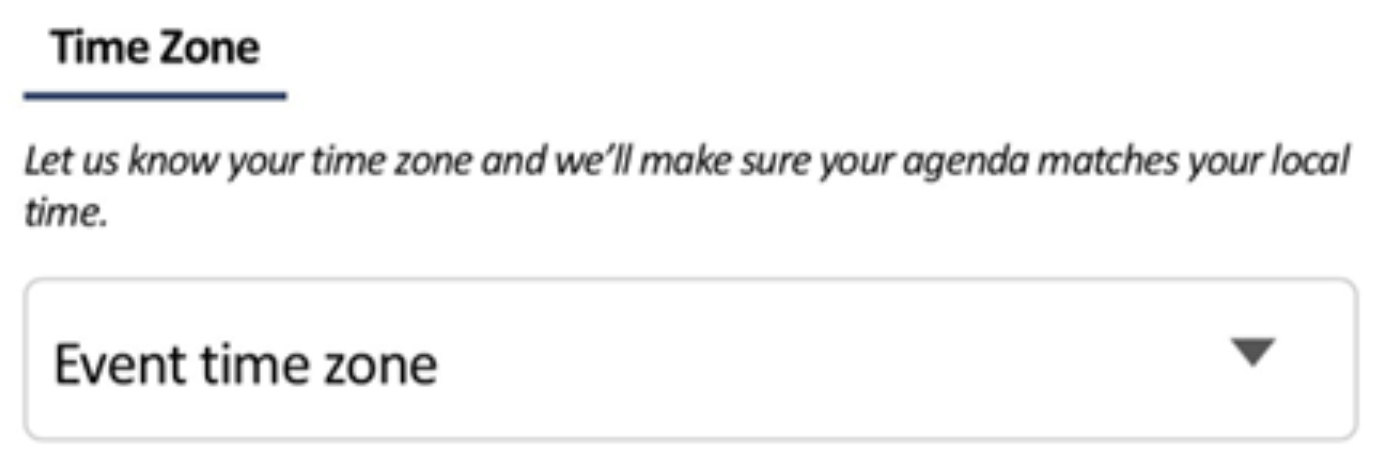
In the Privacy and Settings section, remember to mark the Time Zone of the event.
Step 4
Before the conference
Open the App, review the Agenda, and save the sessions and lectures of your interest or search for speakers, find your colleagues and friends and send them a message…
Please do not hesitate to contact us at irt2026@bcocongresos.com if you have any problems or need technical assistance from us.